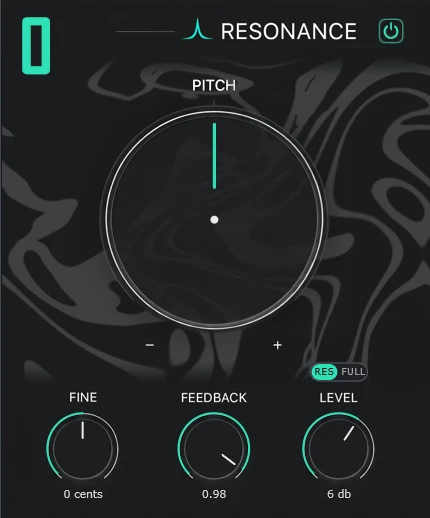
Pitch and fine
Pitch picks the interval from the note you play, from two octaves down to two up. Fine nudges it in cents.

Your sound, in harmony. Pitch-tracking resonance, distortion and width in one plugin.
VST3 for Windows. Mac version on the way. Free demo with every feature.
The same sounds with REESONANCE off and on. Flip the switch while it plays; both versions run in sync, so you hear only what the plugin adds.
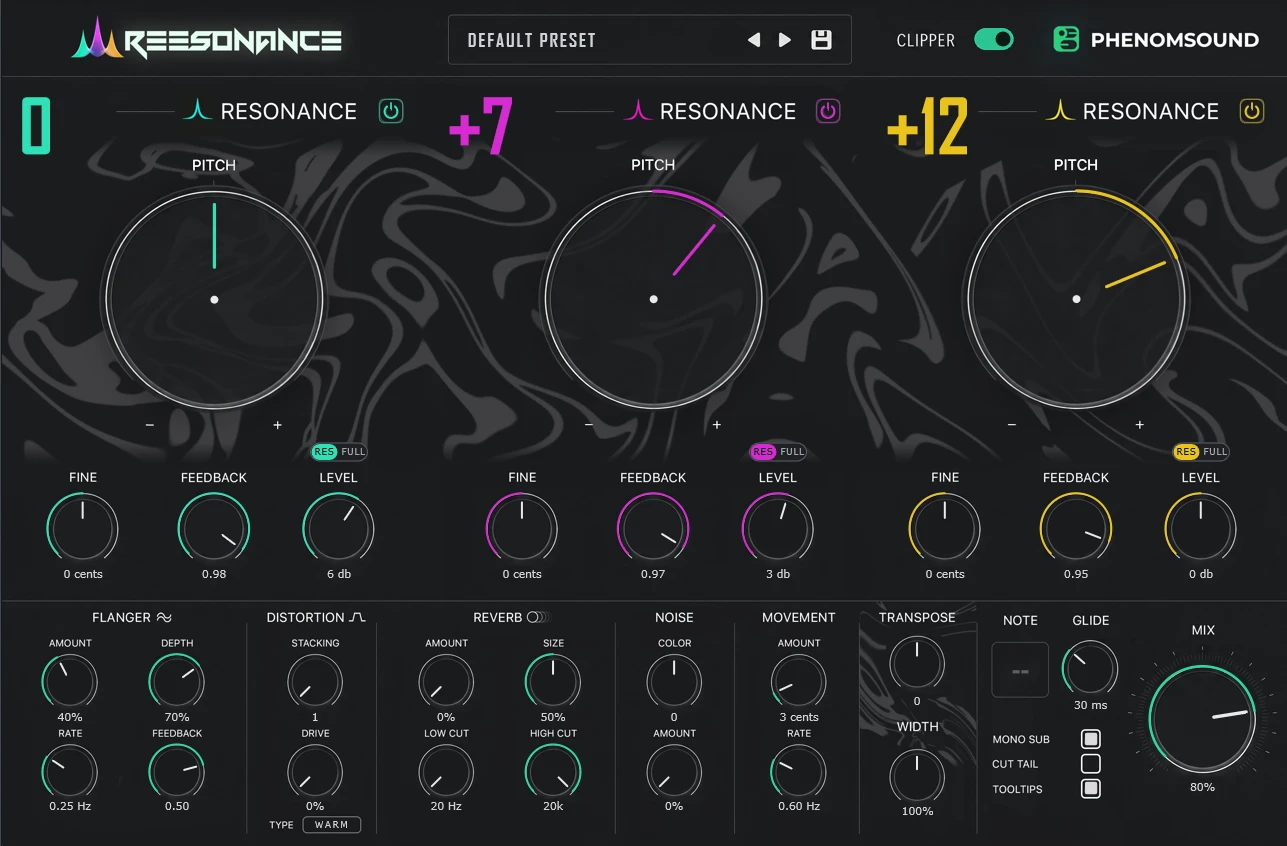
Pick the note you're playing. The three resonances retune to it instantly, just like the plugin does when it tracks your input.
REESONANCE listens to what comes in, finds the note, snaps it to the nearest semitone and tunes three comb resonators to it. Play a bassline and the resonance follows every note.
Pitch picks the interval from the note you play, from two octaves down to two up. Fine nudges it in cents.
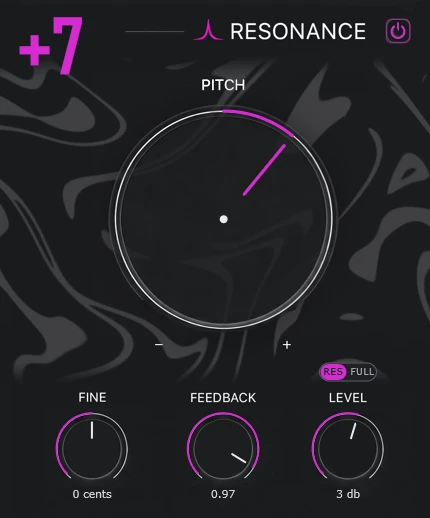
Feedback sets how long each resonance rings, up to 0.995 for long, singing tails. The switch above Level chooses what Level turns up. On RES, it raises only the ringing, and your original sound stays untouched underneath. On FULL, the whole signal runs through the resonator, so Level sets the volume of all of it, for the classic comb-filter sound.
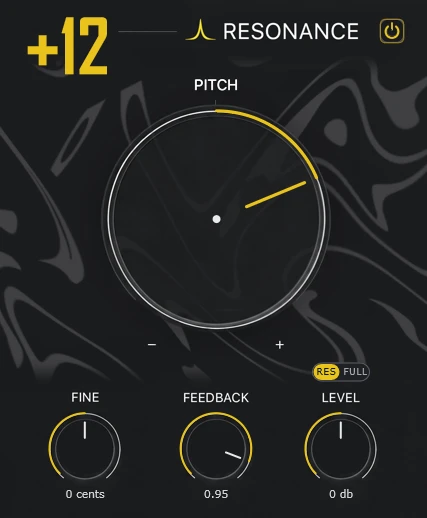
Stack a root, a fifth and an octave, or any intervals you like. Mute one and the other two get louder to keep the level steady.
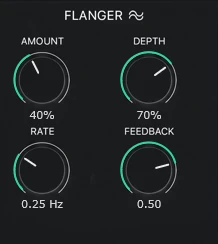
Amount, depth, rate and feedback for slow sweeps or metallic motion.
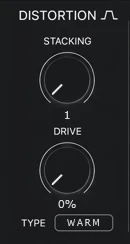
Up to 8 stacked drive stages in Warm, Tube, Hard or Fold. Oversampled and level-matched.
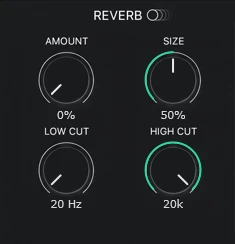
Size and amount, with low and high cut to keep the tail out of your bass and hats.
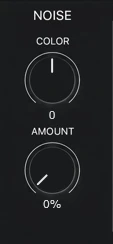
Coloured noise, dark to bright, that only plays while you do.
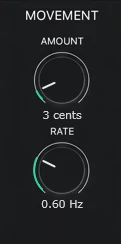
Slow detune drift in cents, so held notes breathe and chorus.
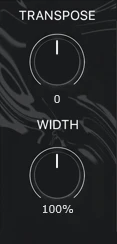
Shift all three resonators by up to 24 semitones. Push the stereo image to 200%.
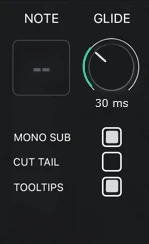
See the note it detects, glide between notes, keep the sub mono and cut tails when you stop.
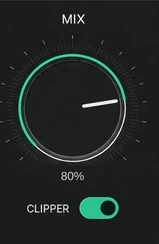
Blend dry and wet. The Clipper switch under the knob adds a soft ceiling, or turn it off for raw peaks.
Payment is handled by Freemius, our reseller. You get your license key by email right after paying.
The download is the full plugin with every feature. In demo mode it runs for 20 minutes at a time, then goes quiet until you reload it. Enter a license key to remove the limit.
Windows 10 or 11, 64-bit, any VST3 host. Version 1.0.0.
Unzip the download and copy REESONANCE.vst3 into C:\Program Files\Common Files\VST3\. Restart your DAW or rescan plugins.
Open the plugin, click the demo label in the corner, paste the license key from your purchase email and press Activate. You need internet once; after that it works offline.
Yes. The plugin shows a machine code. On any computer with internet, open the offline activation page, enter your key and that code, and download a license file to drag into the plugin.
Free the old computer in your account, or on the activation page. Then activate on the new one. A license covers 3 computers at a time.
The Mac version (VST3 and AU, so it works in Logic too) is in progress. Your license will cover it at no extra cost. Follow us on Patreon to hear when it is ready.
Please try the free demo first. If the plugin does not work on your system and we can't fix it, write to us within 14 days of purchase. See the refund policy.
Log in to your account with the email you bought with. Your key is there, along with your invoice and downloads.